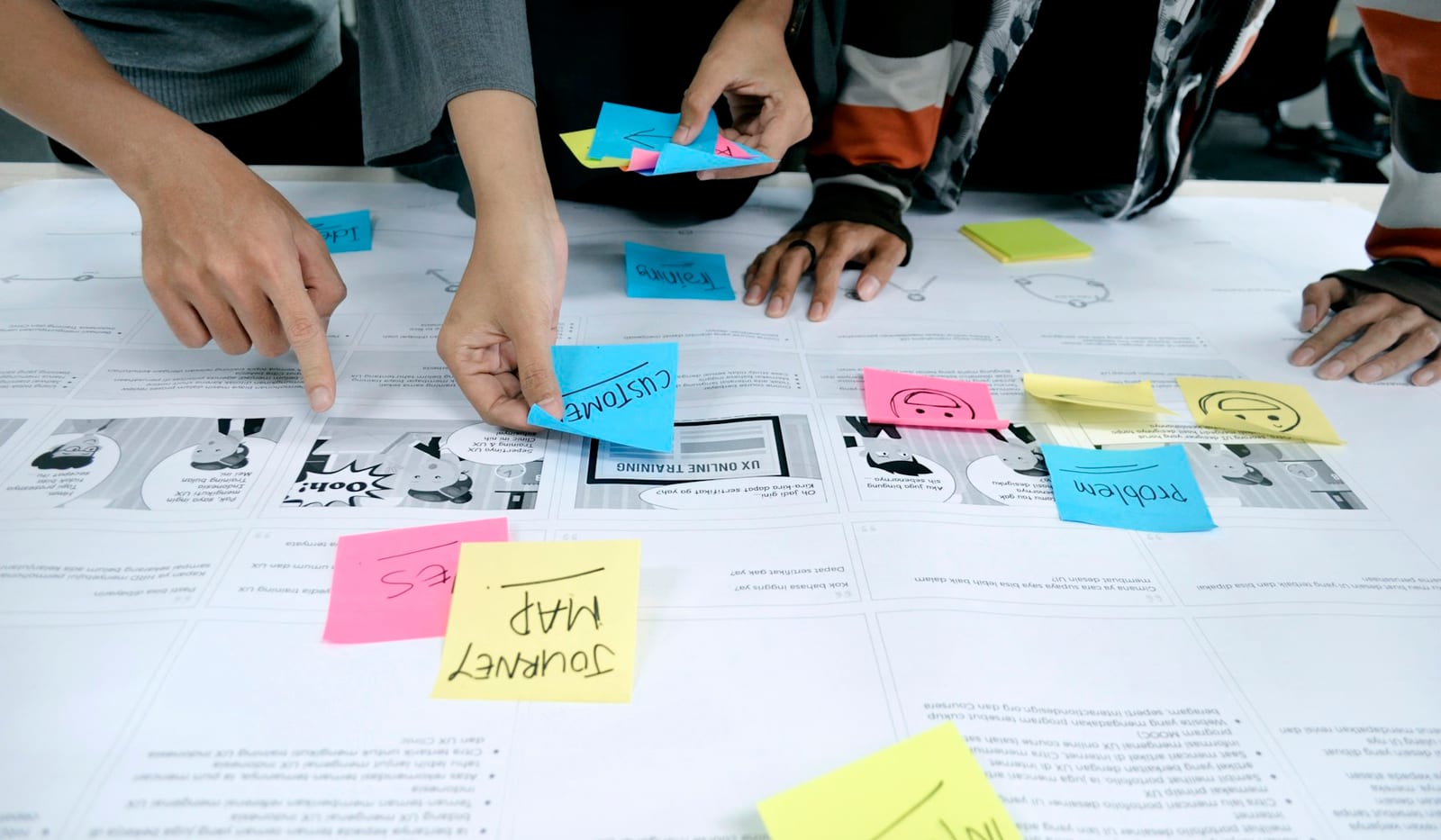
Good design feedback is specific enough to act on and open enough to leave room for design judgment. It explains what the reviewer noticed, why it matters, and what outcome the next version should improve.
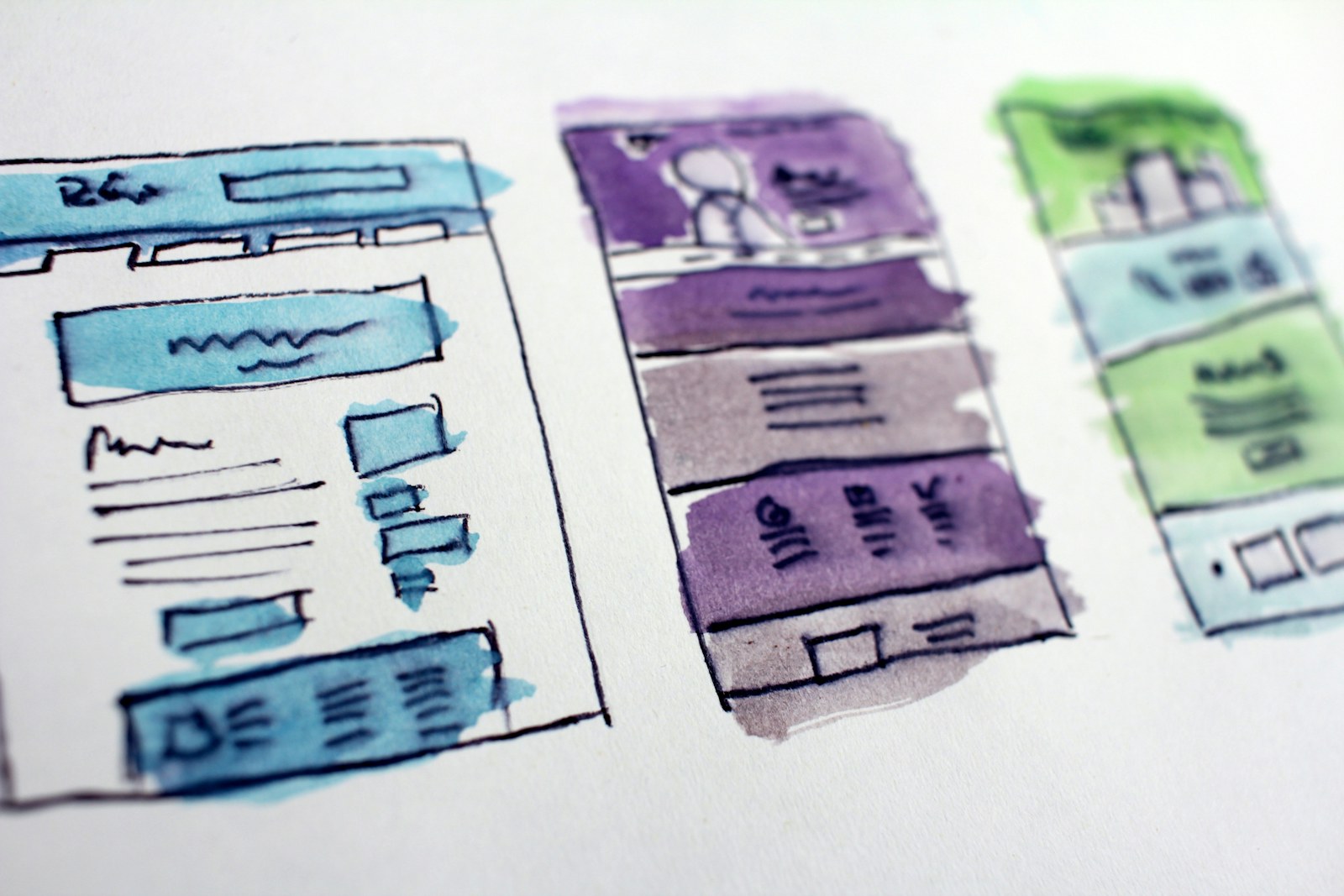
This guide can be used for websites, apps, graphic design, presentations, illustrations, interiors, and other visual work. It also includes a method for asynchronous feedback using screenshots, markup, and short voice notes.
01
What makes design feedback useful?
Useful feedback relates the work to an agreed goal. “I do not like blue” describes a preference. “The secondary action has the same contrast as the primary action, so the hierarchy is unclear” identifies an observable issue and its consequence.
Before reviewing, confirm the audience, stage, constraints, and decision being made. Feedback on an early concept should focus on direction and structure. Feedback on a near-final design can reasonably focus on consistency, accessibility, copy, and production details.
02
Use the Context–Observation–Impact–Next step framework
- 01
Context
Name the goal, user, or scenario: “For a first-time visitor trying to compare the plans…”
- 02
Observation
Describe what is visible without guessing at intent: “…the feature names use three different alignment patterns.”
- 03
Impact
Explain the consequence: “That makes the rows harder to scan and compare.”
- 04
Next step
Ask a question or suggest a bounded direction: “Could we test one consistent column structure?”
03
Design feedback examples: vague versus actionable
- Vague: “Make it pop.” Actionable: “The call to action blends into the hero image. Increase its separation with a solid surface, stronger contrast, or more surrounding space.”
- Vague: “The page feels busy.” Actionable: “Four elements compete at the top of the page. Could the promotional badge move below the main decision so the headline and primary action lead?”
- Vague: “The typography is wrong.” Actionable: “The body text is difficult to scan at this width because the lines are long and the line spacing is tight.”
- Vague: “I do not like this image.” Actionable: “The image communicates leisure, while the brief calls for speed and control. Can we test a subject performing the core task?”
- Vague: “Users will not understand this.” Actionable: “The label ‘Continue’ does not say what happens next. A more specific label could reduce uncertainty before the payment step.”
- Vague: “Copy the competitor.” Actionable: “The competitor makes plan differences easy to scan with repeated rows. Could we solve the same comparison problem using our own content and visual system?”
04
How to give asynchronous design feedback
- 01
Review the brief before the artifact
Write down the audience, goal, constraints, and questions the designer wants answered. This keeps the review from becoming a list of personal preferences.
- 02
Make one uninterrupted first pass
Experience the work in its intended order before commenting. Note where you hesitate, lose orientation, or make the wrong prediction.
- 03
Group comments by importance
Separate blockers, important improvements, questions, and optional ideas. Resolve contradictions before sending the review.
- 04
Anchor each comment to a location
Use a screenshot, frame link, page number, pin, circle, or highlight. The recipient should not have to guess what “this section” means.
- 05
Keep one comment to one decision
Split a long paragraph or recording when the location, problem, or priority changes. Small comments are easier to discuss and resolve.
- 06
End with a short summary
State the two or three changes that would most improve the next version, plus any open decision that needs discussion.

05
Use priority labels that people can interpret
- Blocker: The design cannot move forward because it fails a requirement, creates serious user risk, or prevents the main task.
- Important: The issue materially affects comprehension, usability, accessibility, consistency, or the project goal.
- Question: The reviewer needs context before recommending a change.
- Suggestion: A possible improvement that the designer can evaluate, not a disguised requirement.
- Nit: Minor polish that should not distract from more important work.
06
When voice notes help—and when they do not
A short voice note is useful when tone, sequence, spatial reasoning, or a nuanced tradeoff would take too long to type. Pair it with a pin or small mark so the location remains clear. Start by naming the observation, then explain the consequence and desired outcome.
Do not use voice for information that must be searched, copied, measured, or tracked precisely. Exact copy changes, dimensions, URLs, acceptance criteria, and final decisions should also exist as text.
07
Common design feedback mistakes
- Reviewing personal taste instead of the audience and goal.
- Jumping directly to a solution without explaining the problem.
- Combining strategy, structure, copy, and polish in one comment.
- Giving contradictory feedback from several reviewers without a decision owner.
- Treating every comment as equally urgent.
- Critiquing details that are intentionally unfinished in an early concept.
- Using absolute claims about users without evidence from research or testing.
08
A design feedback template you can copy
Context: For [audience] trying to [task or goal]… Observation: I notice [specific visible behavior or element]. Impact: This may cause [consequence tied to the goal]. Next step: Could we test or explore [bounded direction or question]? Priority: [blocker, important, question, suggestion, or nit].
Example: “For returning customers trying to reorder quickly, I notice the previous order is below recommendations. This adds scanning before the most likely action. Could we test placing the last order first and compare completion time? Priority: important.”
09
How to receive feedback without losing the design goal
Clarify whether each comment identifies a problem, proposes a solution, or raises a question. Several conflicting solutions may point to the same underlying problem. Summarize that problem before choosing a revision.
You do not need to implement every suggestion literally. You do need to show that important feedback was understood, tested, accepted, or declined for a clear reason. A short decision log prevents the same discussion from repeating in the next review.