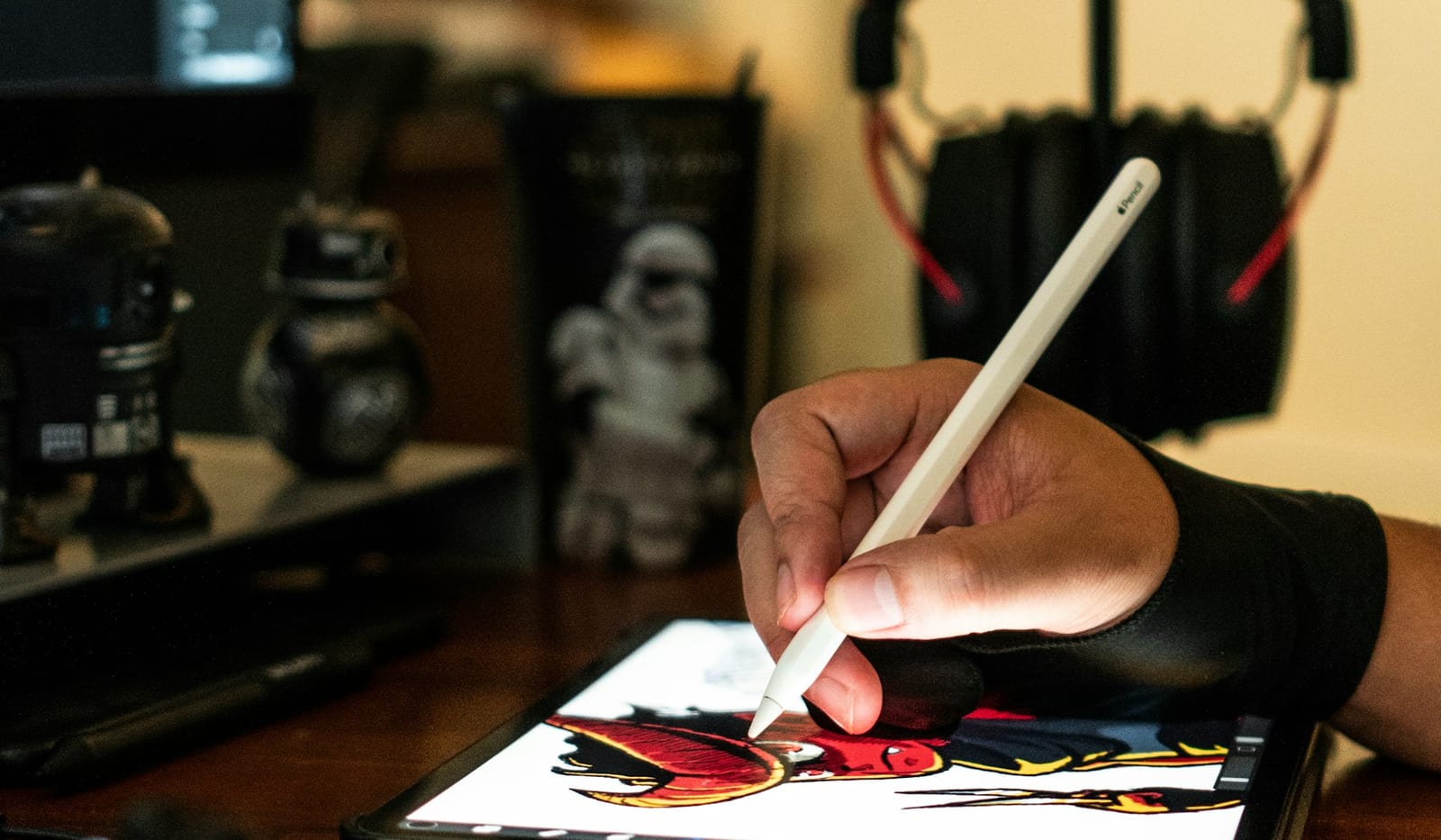
How to Turn a Sketch Into an AI Image: A Step-by-Step Guide
Learn how to convert a hand-drawn or digital sketch into an AI image, write a useful prompt, preserve the composition, and fix common generation problems.
Read guidePractical design guides
Step-by-step methods, examples, templates, and checklists for people working with sketches, screenshots, PDFs, feedback, and AI.
Learn how to convert a hand-drawn or digital sketch into an AI image, write a useful prompt, preserve the composition, and fix common generation problems.
Read guide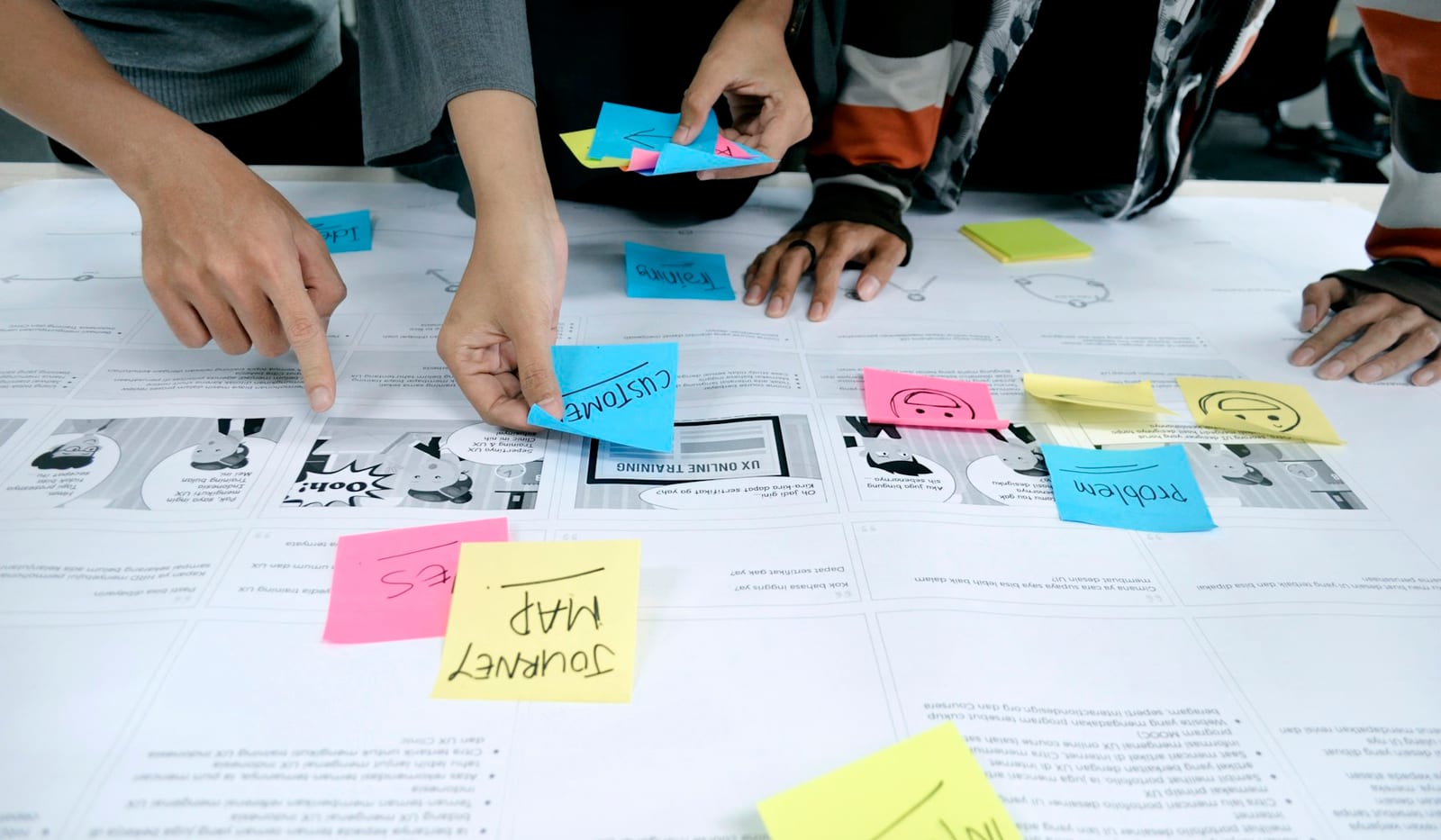
Learn how to give clear, constructive design feedback with practical examples, priority labels, an async review workflow, and a reusable feedback template.
Read guide
Learn how to mark up a PDF on iPad with Apple Pencil, choose an annotation system, avoid accidental marks, and export a clean review copy.
Read guide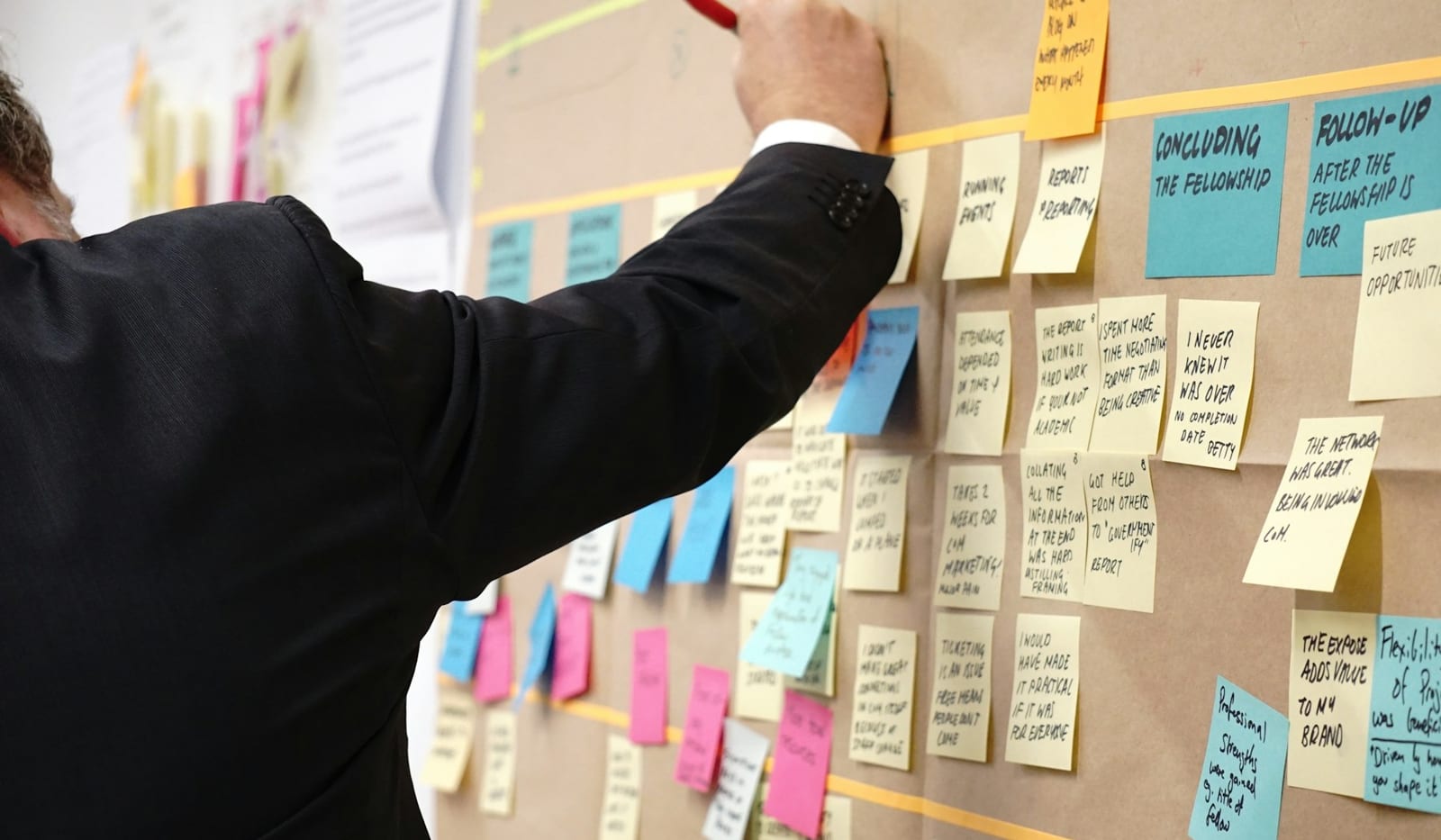
Compare whiteboards, drawing canvases, markup apps, AI image generators, and hybrid workspaces by use case, collaboration needs, control, and export options.
Read guideNot sure where to start?
Turning a drawing into a visual direction? Start with the sketch-to-AI workflow. Reviewing someone else's work? Use the design feedback framework. Working through a document? Follow the PDF annotation checklist.
Read the first guide